[
https://issues.apache.org/jira/browse/BATIK-1046?page=com.atlassian.jira.plugin.system.issuetabpanels:comment-tabpanel&focusedCommentId=16574700#comment-16574700
 ]
Marco Herrn commented on BATIK-1046:
------------------------------------

Five years and 3 releases of batik later, but still not even a comment on this
bug.

It this going to be resolved at some time?

> preserveAspectRatio="xMinYMin" wrongly translates viewport
> ----------------------------------------------------------
>
>                 Key: BATIK-1046
>                 URL: https://issues.apache.org/jira/browse/BATIK-1046
>             Project: Batik
>          Issue Type: Bug
>          Components: GVT
>    Affects Versions: 1.7, 1.8
>         Environment: Debian Linux with Java 1.6 or Java 1.7
>            Reporter: Marco Herrn
>            Priority: Major
>         Attachments: ViewBox.svg, pic1.png, pic2.png, pic3.png, pic4.png,
> pic5.png
>
>
> When setting the "preserveAspectRatio" to "xMinYMin" (and if I recall
> correctly, also on other values different from "none", the SVG image is
> correctly placed inside the SvgCanvas on opening. However when resizing the
> window (and therefore the canvas), the image moves out of the visible canvas
> part.
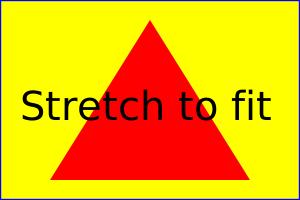
> You can reproduce this with the example file
> http://www.w3.org/TR/SVG/images/coords/ViewBox.svg
> Replace the value of "preserveAspectRatio" with "xMinYMin". Open the file in
> squiggle. Then resize the window by making it taller (not wider). The image
> stays in the center vertically, but moves out of the canvas horizontally to
> the left.
> By playing around a bit with window resizing the image can be moved out of
> the other edge of the canvas or even completely disappear.
> I have tried it with the current SVN and the problem still applies there.


--
This message was sent by Atlassian JIRA
(v7.6.3#76005)

---------------------------------------------------------------------
To unsubscribe, e-mail: [email protected]
For additional commands, e-mail: [email protected]