z1076398926 opened a new issue, #5113:
URL: https://github.com/apache/inlong/issues/5113

   ### What happened
   
   
在使用Docker方式部署InLong,首先发现Docker中没有inlong-sort-connectors,创建数据接入时候manager容器报错:找不到/opt/inlong-sort路径,下载inlong二进制包,仅将inlong-sort复制到manager容器的/opt/目录下,然后又报错,找不到/opt/inlong-sort/connectors目录,又单独下载connectors复制到了manager容器,完整目录/opt/inlong-sort/connectors;
   
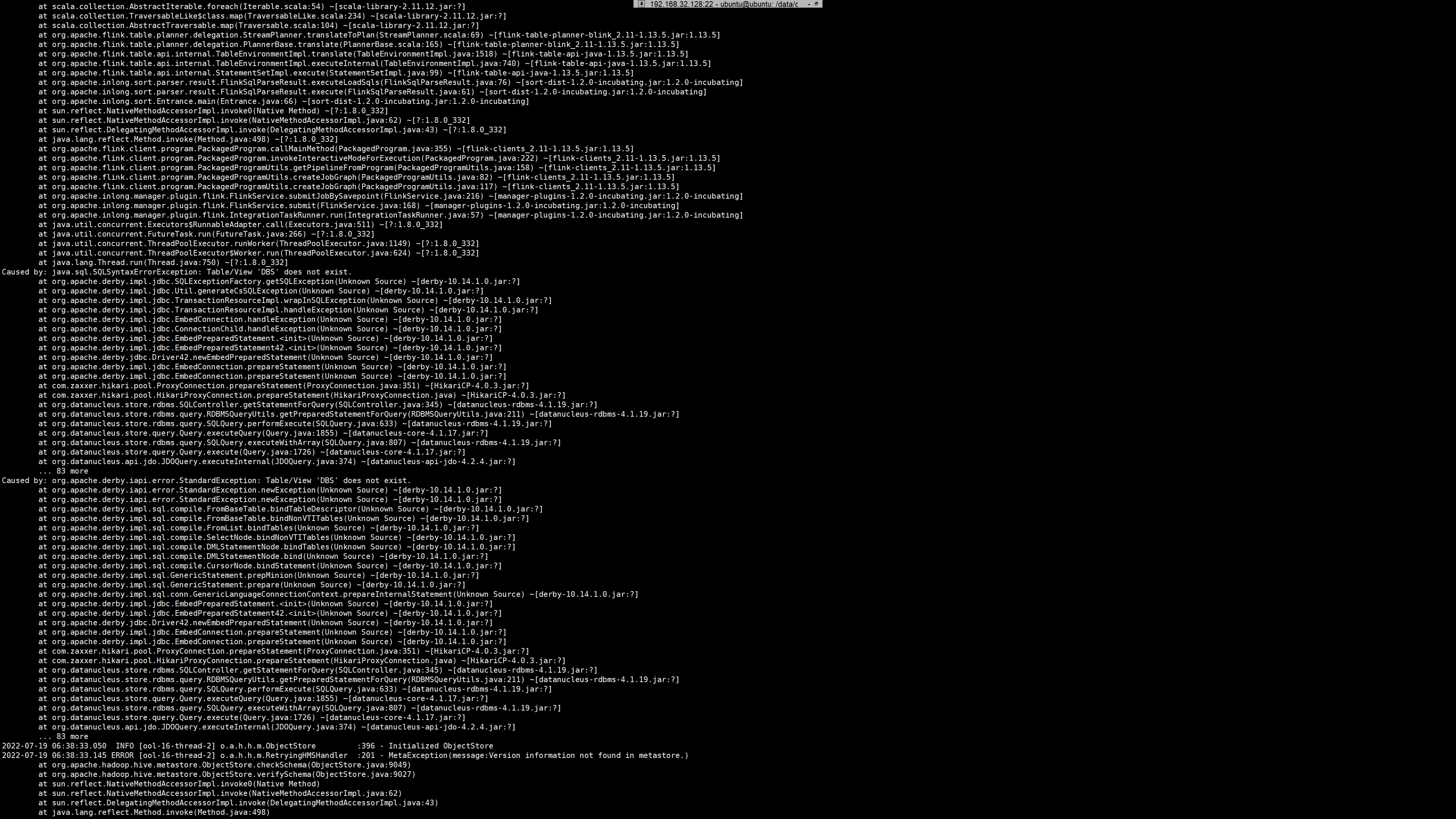
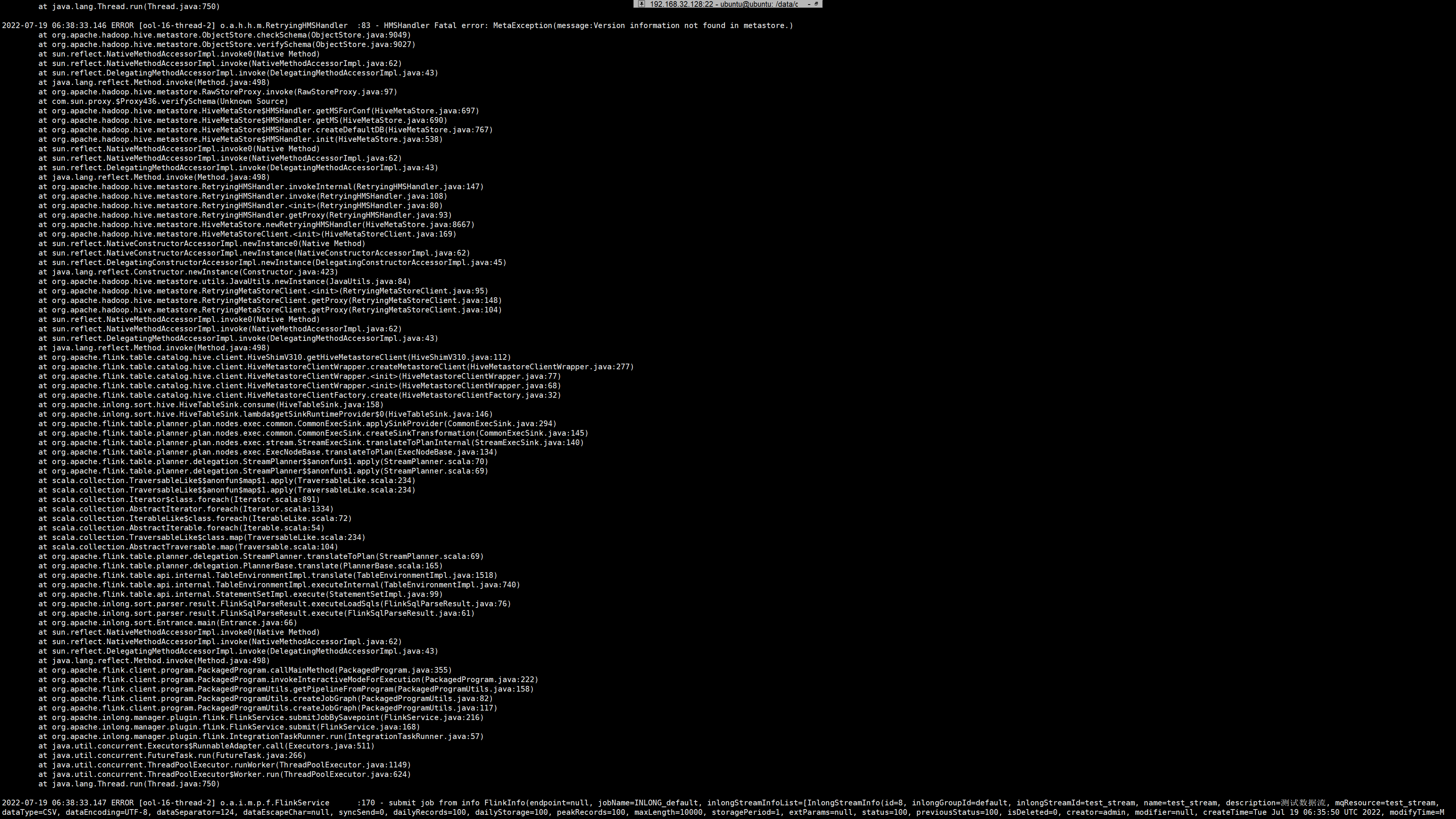
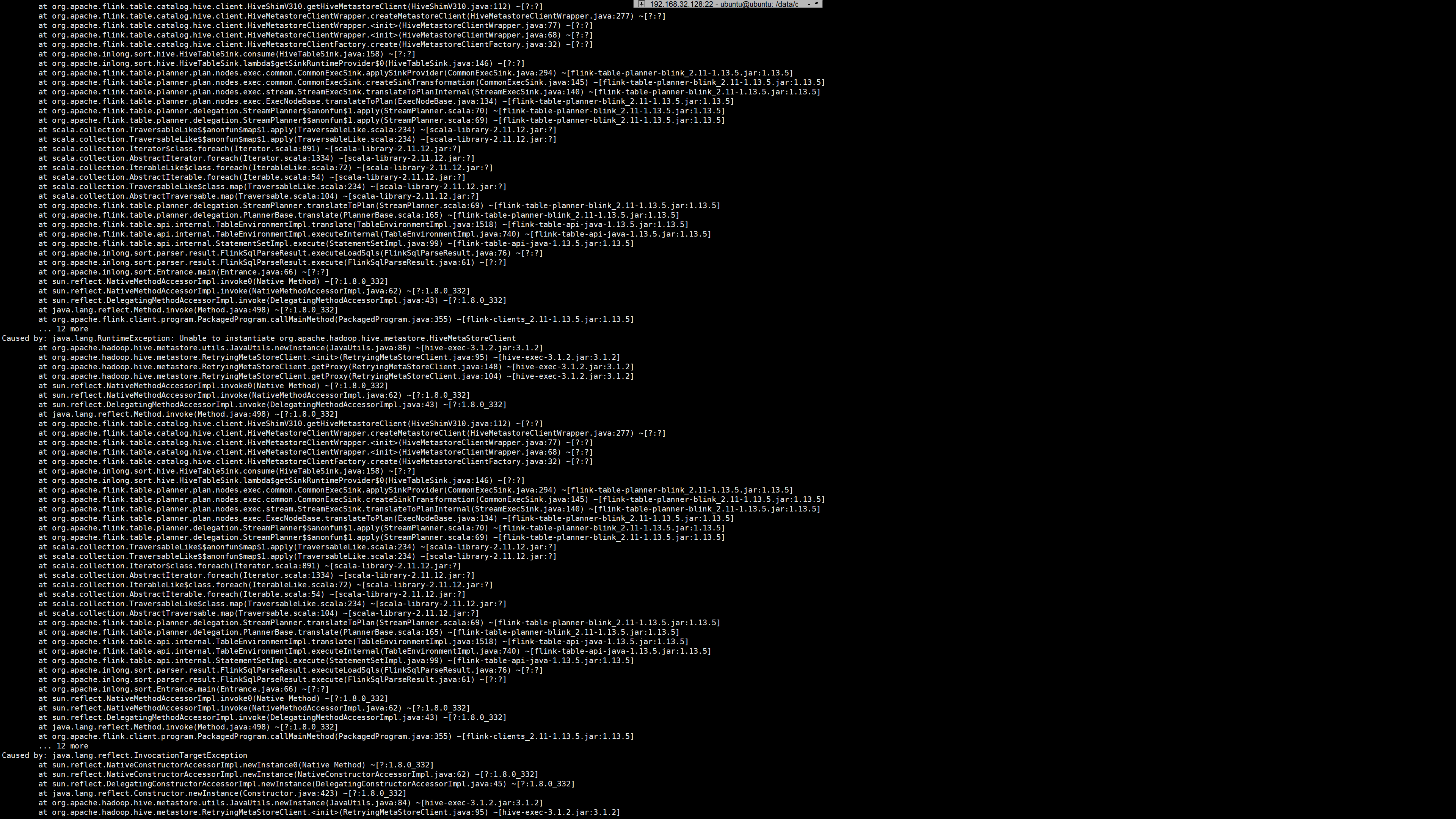
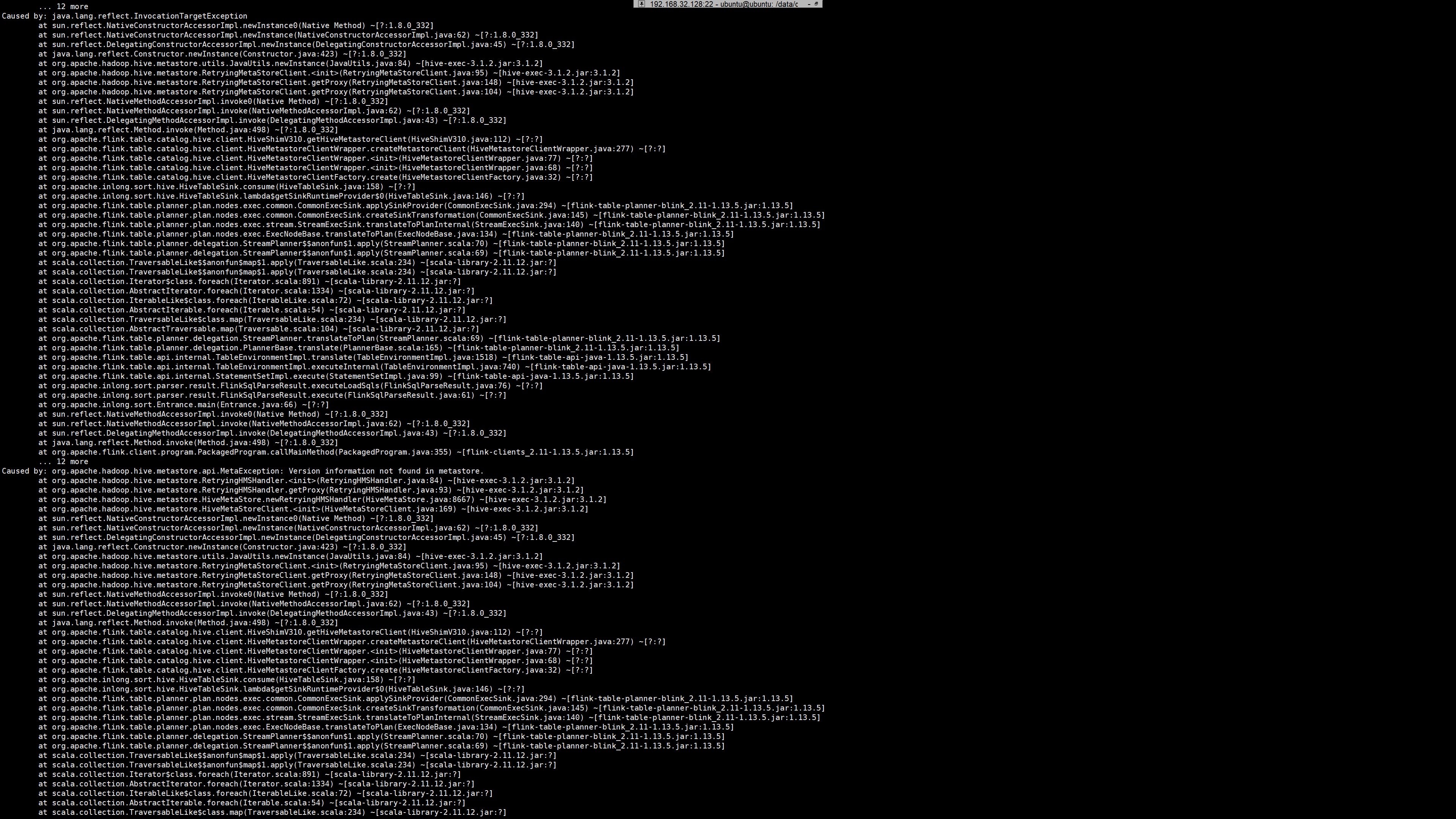
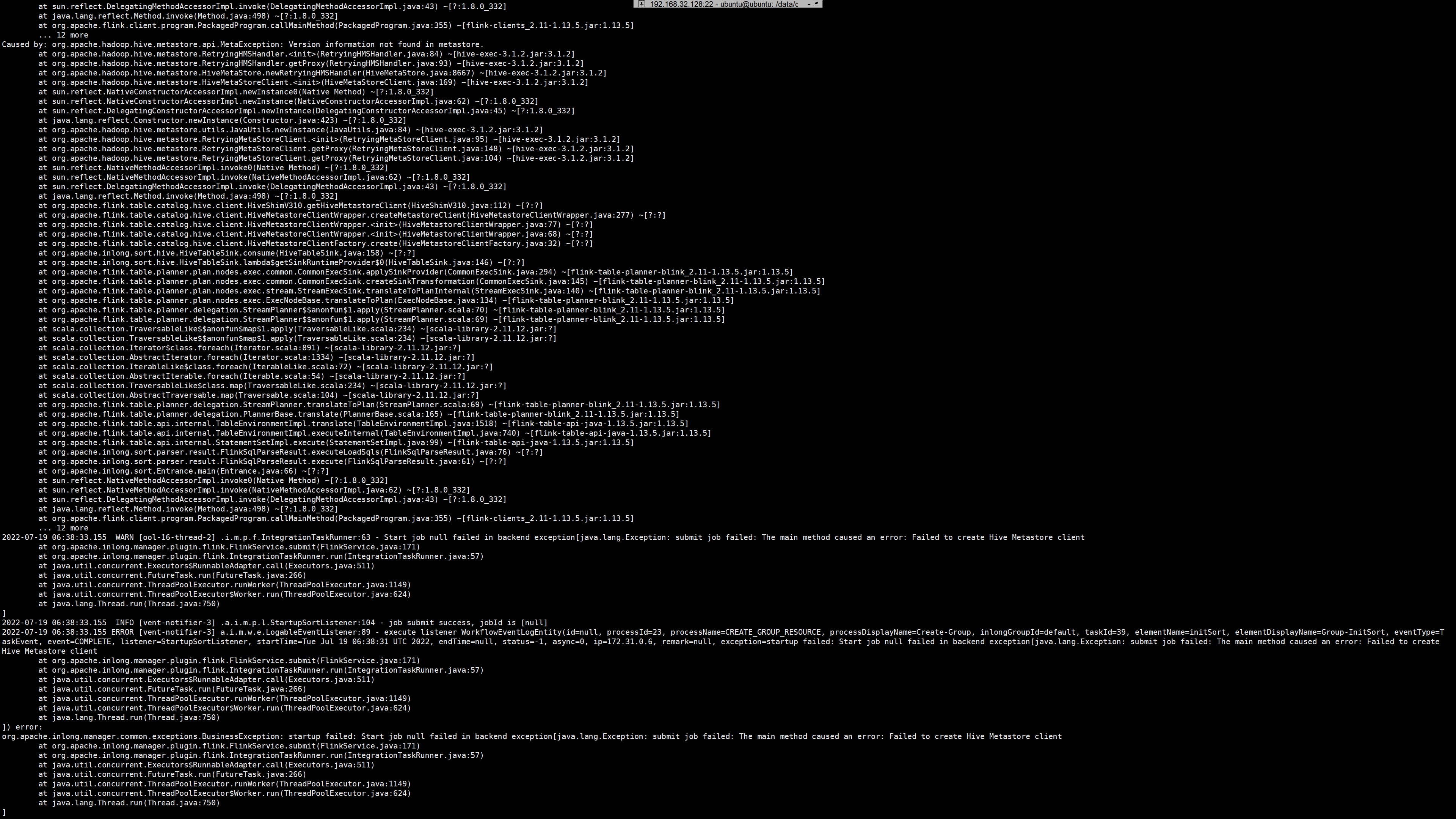
   然后重新创建数据接入,之前的报错没有了,出现了新的报错,报错如下:
   
![image](https://user-images.githubusercontent.com/35166159/179687041-c226d753-fcce-422b-8e7b-93570421f5b3.png)
   
![image](https://user-images.githubusercontent.com/35166159/179687084-88b2bfd9-c8ce-4a90-b601-cad5c792d62d.png)
   
![image](https://user-images.githubusercontent.com/35166159/179687137-fbce790d-f951-4624-a7c9-63219d2c9c52.png)
   
![image](https://user-images.githubusercontent.com/35166159/179687172-c299e7d0-e7c8-4f56-9227-160e4a054828.png)
   
![image](https://user-images.githubusercontent.com/35166159/179687220-97e49f4f-0c9a-4512-a90c-a794bcdbf805.png)
   
![image](https://user-images.githubusercontent.com/35166159/179687246-c04551db-93a8-4193-a768-42f37c583f82.png)
   
![image](https://user-images.githubusercontent.com/35166159/179687289-305830ca-9e8d-4880-98db-d24ad089914c.png)
   
![image](https://user-images.githubusercontent.com/35166159/179687326-ef5ddc49-1c3c-4282-a10e-10929ff1ffa2.png)
   
![image](https://user-images.githubusercontent.com/35166159/179687358-e97f924c-a6da-4500-a21e-59f1ba9ec9b6.png)
   
![image](https://user-images.githubusercontent.com/35166159/179687409-a8840948-a757-4932-b971-be0496ab2562.png)


   首先我看到的是:Error executing SQL query "select "DB_ID" from "DBS"".    Table/View 
'DBS' does not exist.  
   我从MySQL、Hive中都没有看到这张DBS在哪里。
   
   
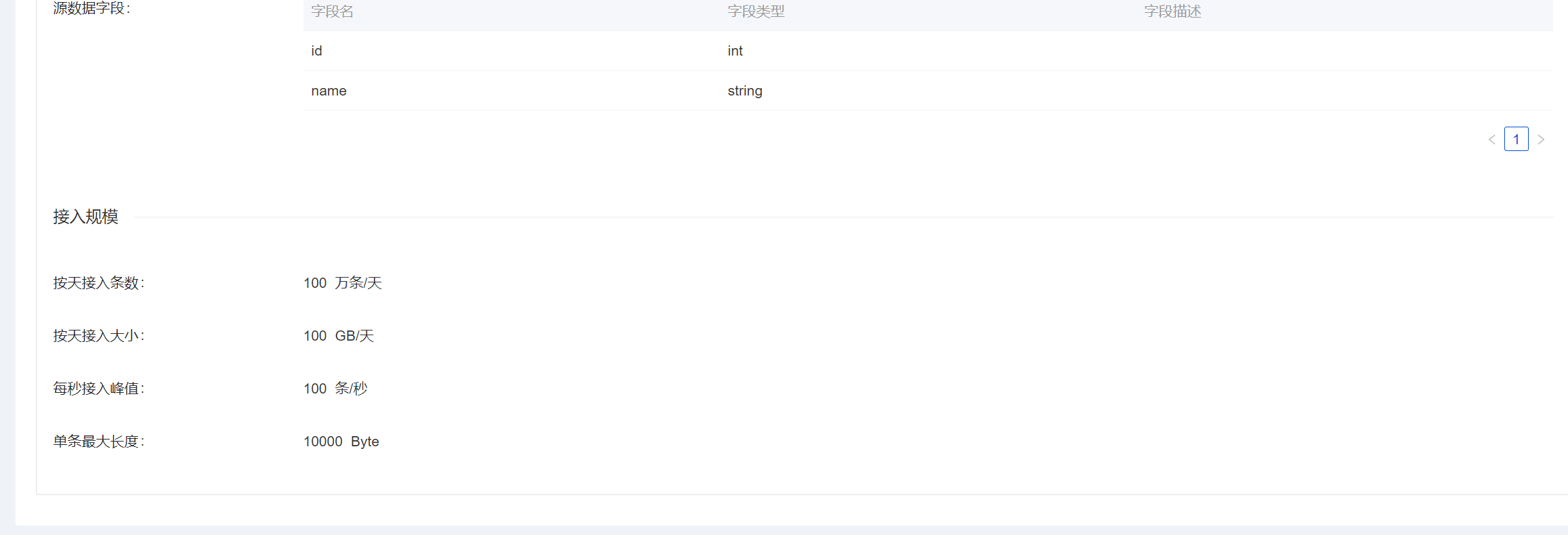
   我的配置:
   
![image](https://user-images.githubusercontent.com/35166159/179684677-3c14977a-b4b6-4d72-8789-ae38716d463a.png)


![image](https://user-images.githubusercontent.com/35166159/179684757-8a07d114-63db-48e0-8895-9ae24d6a4a58.png)
   
![image](https://user-images.githubusercontent.com/35166159/179684785-c11278d7-baee-4434-979d-d2db44ec5c83.png)
   
   
![image](https://user-images.githubusercontent.com/35166159/179684849-0b27bf73-9ba7-46dc-baa0-c9f52c0fc099.png)
   
![image](https://user-images.githubusercontent.com/35166159/179684917-1b3004fc-85b6-4d5a-b3a7-69ea4043342e.png)


   我的Hive是用docker启动的,连接都没问题,也可以看到库和表都被创建了出来,hdfs的路径如下:
   
   
![image](https://user-images.githubusercontent.com/35166159/179685105-91888244-d804-46b2-a6db-c6f017b2174a.png)
   
![image](https://user-images.githubusercontent.com/35166159/179685179-de8e0824-3323-4079-ae72-8628c0dffd52.png)


   ### What you expected to happen
   
   
首先按照官网文档上的Docker安装方式做完之后,并没有提到需要单独下载inlong-sort-connectors(或者说单独下载并复制到容器的方式是错误的,那怎么做才是正确的?)或者说docker部署时候怎么装inlong-sort-connectors;
   然后,上面提到的报错如果是表或者视图,应该自动被创建?(或者我使用的方式有问题)
   
   期望获得帮助并解决此问题,流程是按照官方文档上的操作的(尽管官方文档上的图片是比较旧的版本,和现在1.2.0版本根本对不上)
   
   ### How to reproduce
   
   
使用一个干净的环境,并安装Docker,使用Docker部署Hive(用InLong官网提到的docker部署Hive的链接去启动),然后使用Docker部署InLong(根据官方文档上操作),根据文档上的流程创建数据接入提交审核,审核通过后,可在manager容器的日志里发现报错
   
   ### Environment
   
   docker方式启动
   
   ### InLong version
   
   1.2.0
   
   ### InLong Component
   
   InLong Manager
   
   ### Are you willing to submit PR?
   
   - [X] Yes, I am willing to submit a PR!
   
   ### Code of Conduct
   
   - [X] I agree to follow this project's [Code of 
Conduct](https://www.apache.org/foundation/policies/conduct)


-- 
This is an automated message from the Apache Git Service.
To respond to the message, please log on to GitHub and use the
URL above to go to the specific comment.

To unsubscribe, e-mail: [email protected]

For queries about this service, please contact Infrastructure at:
[email protected]

Reply via email to