kym498 opened a new issue #3207: Shows "network error" when query to athena DB. How to debugging this? URL: https://github.com/apache/incubator-superset/issues/3207 Make sure these boxes are checked before submitting your issue - thank you! - [ v] I have checked the superset logs for python stacktraces and included it here as text if any - [ v] I have reproduced the issue with at least the latest released version of superset - [ v] I have checked the issue tracker for the same issue and I haven't found one similar ### Superset version Superset 0.18.5 python 2.7 ### Expected results show query results. ### Actual results shows "Network Error" 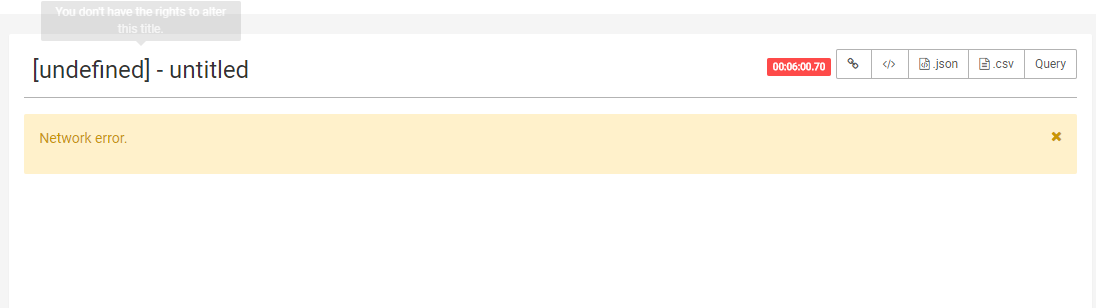 ### Steps to reproduce 1. I connect superset to Athena using 1)pip install git+https://github.com/laughingman7743/PyAthenaJDBC@support_sqlalchemy 2)awsathena+jdbc://{aws_access_key_id}:{aws_secret_access_key}@athena.{region_name}.amazonaws.com/{schema_name}?s3_staging_dir={s3_staging_dir}&... I seems OK, and simple count shows results well. but I use "group by" it shows Network error. Athena shows that query results "SUCCEEDED" it . it takes 226 s and data size is about 33GB. I unerstand "unreleased future version of PyAthenaJDBC" but is there anyway to debugging way? ( I using "superset runserver -d -t 5000 &" for starting superset and ROW_LIMIT = 50000000) 2. How to debugging superset. is there debugging logs? I'm new of superset. Superset debuging cmd window is frozen when I use superset using -d option , I don't know how to debugging it. I using "superset runserver -d -t 5000 &" for starting superset. is there any log in superset ? ---------------------------------------------------------------- This is an automated message from the Apache Git Service. To respond to the message, please log on GitHub and use the URL above to go to the specific comment. For queries about this service, please contact Infrastructure at: [email protected]
With regards,
Apache Git Services

