Thanks for your replays
Martim Kamps link did help, I had to remove the device and install it again,
now it works.
Note that when adding the device again I had to go for the wireless ip, since
the usb ip 192.168.2.15 also failled, it didnt even ask me the nemo pasword
(that I had changed in the meanwhile). So there is probably another bug with
usb connection.
Have a great weekend and be happy
João
    Em sexta-feira, 3 de abril de 2020 08:59:46 GMT+1, David Llewellyn-Jones
<[email protected]> escreveu:

 On 03/04/2020 03:23, joao morgado via Devel wrote:
> Note that the error message shows ip 192.168.1.4, but the device ip is
> in fact 192.168.1.6.
> I wonder if there is some other option in QtCreator that I'm overlookin
> to update the device ip.

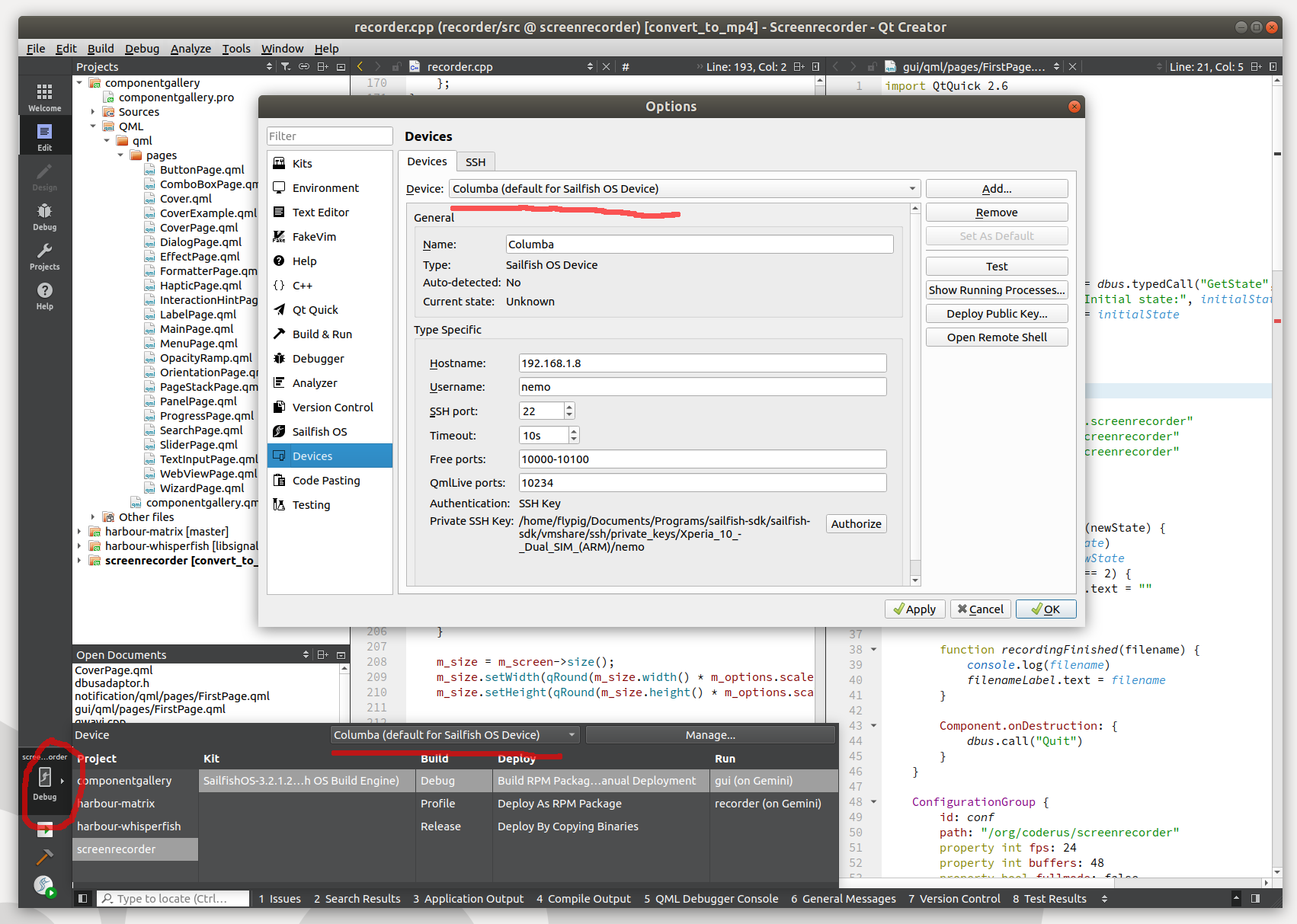
Do you have the same device set in the deploy menu? See the highlighted
parts of this screenshot:

https://www.flypig.co.uk/images/general/qtcreator.png

Sorry if this is really obvious already, but I've made this mistake a
few times myself, so I thought it could be a possibility.

David
--
Website: https://www.flypig.co.uk
_______________________________________________
SailfishOS.org Devel mailing list
To unsubscribe, please send a mail to [email protected]
_______________________________________________
SailfishOS.org Devel mailing list
To unsubscribe, please send a mail to [email protected]