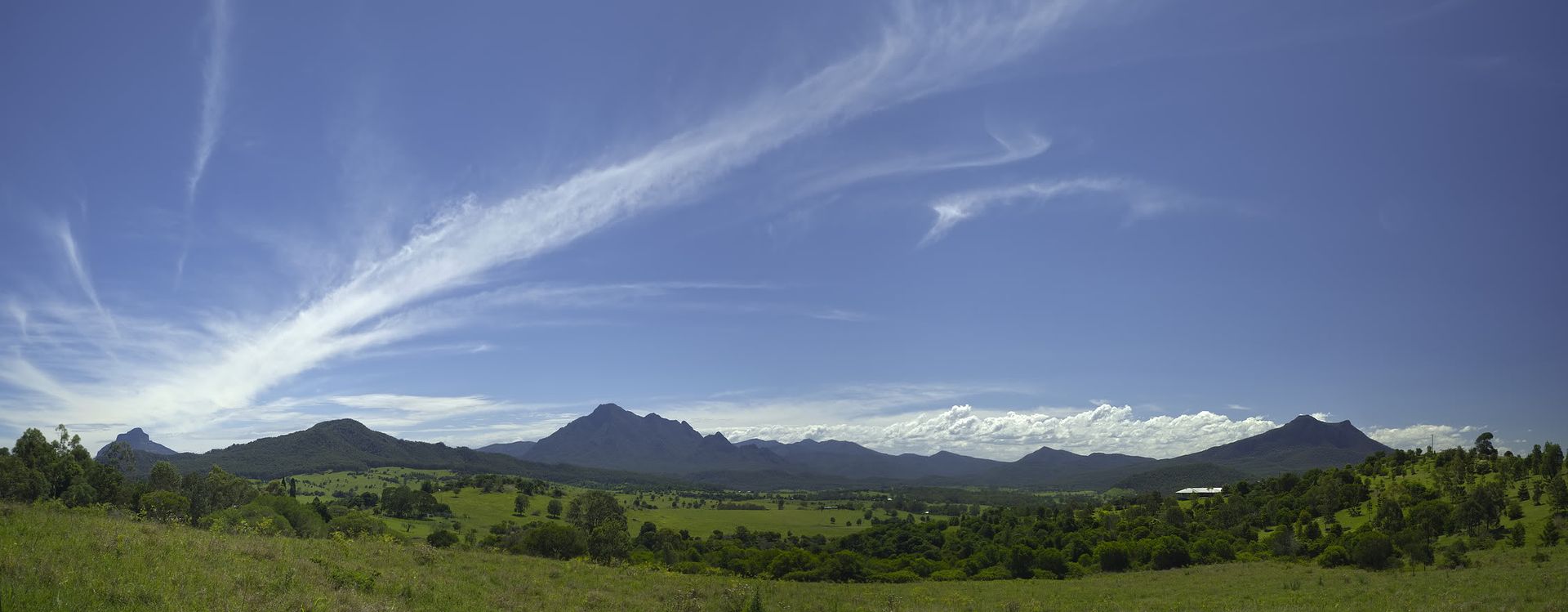
Yes, you can do this. I have used the technique successfully before.
http://i198.photobucket.com/albums/aa290/rich_the_stitch/Australia/ScenicRimMountainspano.jpg
Load all of your photos into a Hugin project.
Go to the Camera and Lens tab.
Find the photo of the whole thing and click on it to select it.
Click the New Lens button on the right.
Optional: Click the "Load EXIF" button to set the photo to the correct
scale.

You should now have the correct foundation for your project.

Confirm this by selecting different photos and looking at the
Geometric>Lens> degrees of view at the bottom left of the screen.
This number should by much bigger for your  photo of the whole thing.

Follow the normal process of finding control points (Align) and
optimising the project.
You will need to use one of the optimisations that include view, and
probably also barrel.

Rich

--
You received this message because you are subscribed to the Google Groups
"Hugin and other free panoramic software" group.
A list of frequently asked questions is available at:
http://wiki.panotools.org/Hugin_FAQ
To post to this group, send email to [email protected]
To unsubscribe from this group, send email to
[email protected]
For more options, visit this group at http://groups.google.com/group/hugin-ptx