Aman-Mittal opened a new issue, #527:
URL: https://github.com/apache/fineract-backoffice-ui/issues/527
## What happens
Three top-level menu destinations render a completely empty `main`:
```
/accounting main text chars=0
/organization main text chars=0
/system main text chars=0
```
Measured as `document.querySelector('main').innerText.trim().length` after
the route settles, against the local docker stack. No card, no list, no links,
no table, no error — nothing.
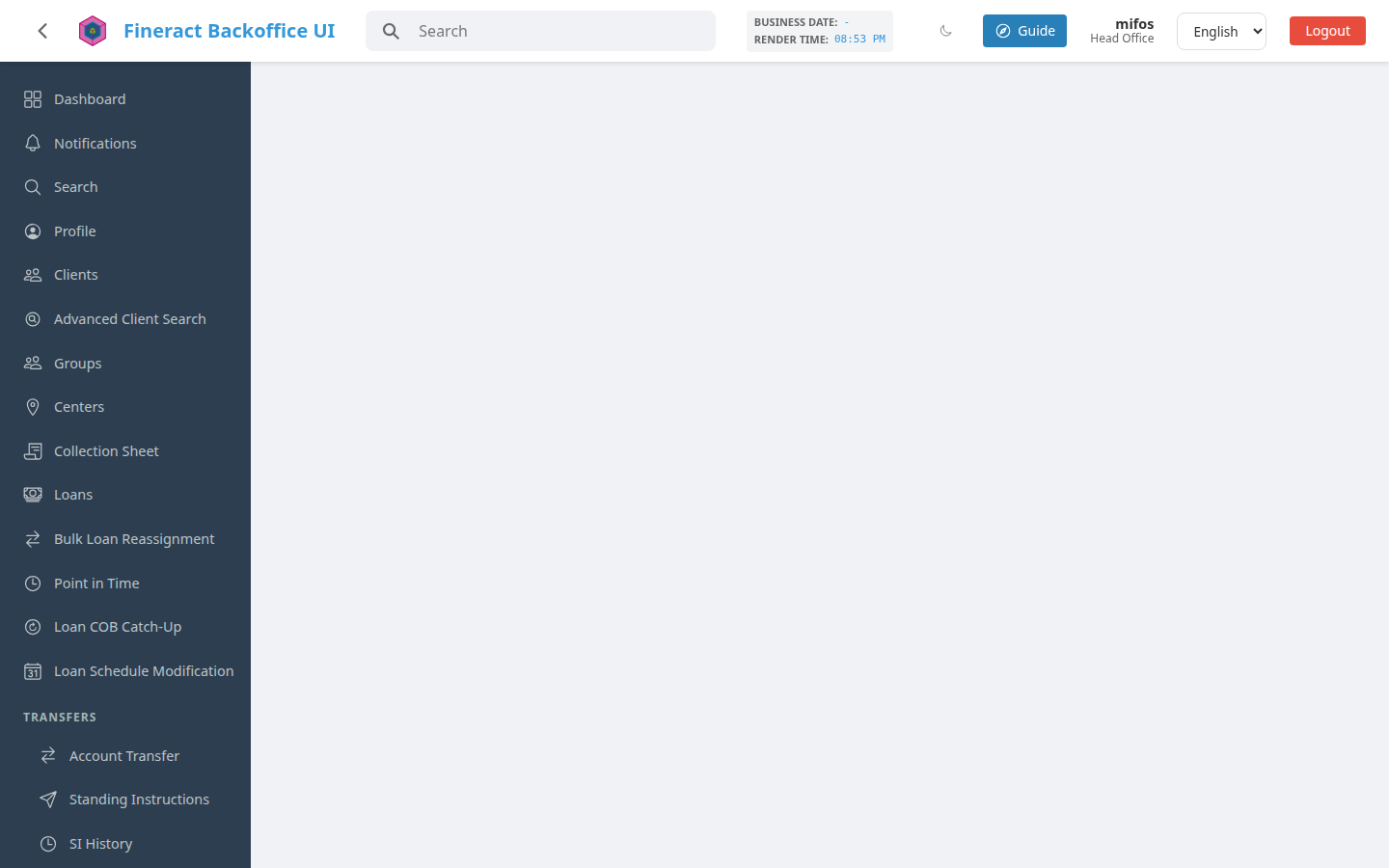
The URL is right, the sidebar highlights the section, the tab title is
right. The page is just blank.
## Why it happens
Each is a parent route that declares a `title` and lazy-loads its children,
with no component of its own and no redirect to a default child.
`app.routes.ts` for accounting:
```ts
{
path: 'accounting',
title: 'nav.accounting',
loadChildren: () =>
import('./features/accounting/accounting.routes').then((m) =>
m.ACCOUNTING_ROUTES),
}
```
`ACCOUNTING_ROUTES` has no `path: ''` entry, so nothing matches the bare
section path.
## Why it matters
These are not obscure deep links — they are three of the twenty-five
top-level groups in the navigation, and two of them (`organization`, `system`)
are where an administrator starts. A new user clicks Accounting, gets a blank
screen, and has no way to tell whether the application is broken, whether their
role lacks a permission, or whether the page is still loading. All three look
identical when nothing renders.
It also makes the section unreachable by URL: bookmarking or sharing
`/accounting` gets the recipient a blank page rather than the section.
## Two ways to fix it
Either would do, and the choice is a product one:
1. **Redirect to a first child.** `{ path: '', redirectTo:
'chart-of-accounts', pathMatch: 'full' }` inside each section's routes.
Cheapest, and matches what the sidebar already does when a group is expanded.
2. **Give the section a landing screen** listing what is in it, which is
also somewhere to put the section's own explanation and permission-gated tiles.
Option 1 is the smaller change; option 2 is the better answer if these
sections are meant to be navigable destinations rather than menu folders.
Whichever is chosen, all three should be consistent with each other.
## How to check it
```
npm start
# sign in, then visit each directly
/accounting → blank
/organization → blank
/system → blank
```
Or without a browser: none of the three sections' `*.routes.ts` files
contains a `path: ''` entry.
```
grep -c "path: ''" src/app/features/accounting/accounting.routes.ts
```
## Environment
`main` at `55abe539`, `apache/fineract:latest` via
`deploy/docker-compose-e2e.yml`, Chromium at 1440x900 and at 412x915 — blank at
both widths.
Found while working on the guided tour: the tour has nothing to point at on
these three screens, which is what drew attention to them. Not caused by that
work, and present on `main` before it.
--
This is an automated message from the Apache Git Service.
To respond to the message, please log on to GitHub and use the
URL above to go to the specific comment.
To unsubscribe, e-mail: [email protected]
For queries about this service, please contact Infrastructure at:
[email protected]

