Hello Pygame people,
This is my first post on this list, and more might follow since I am
using pygame for ToonLoop, a stop motion software. The new
pygame.camera module works for me and this is very good job. Thanks
for contributing that !
I think I found a bug ! Hopefully it is only my code that is wrong and
this is easy to fix.

When I save a Pygame surface that I obtained using pygame.camera to a
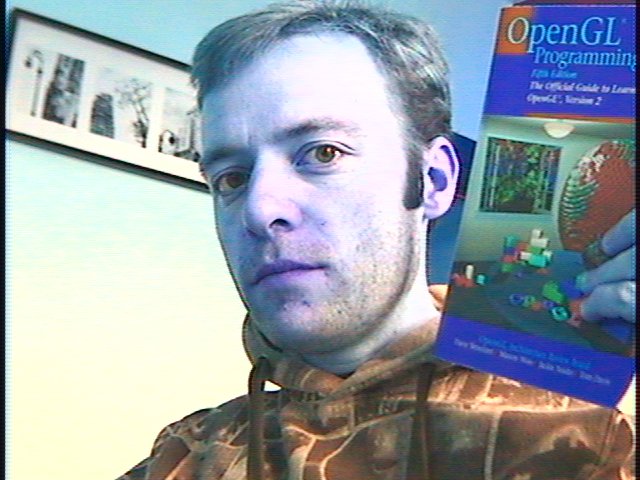
JPEG using pygame.image.save, the colors are messed up. It looks like
the red and blue channels are interchanged. Thus, maybe my surface is
RBG, whereas pygame.image expects RGB. A camera image doesn't contain
any alpha channel usually.

When I display the surface as a pygame sprite the colors are OK.
When I display the surface as an OpenGL texture the colors are OK.
(using tostring(surface, "RGBX", True))
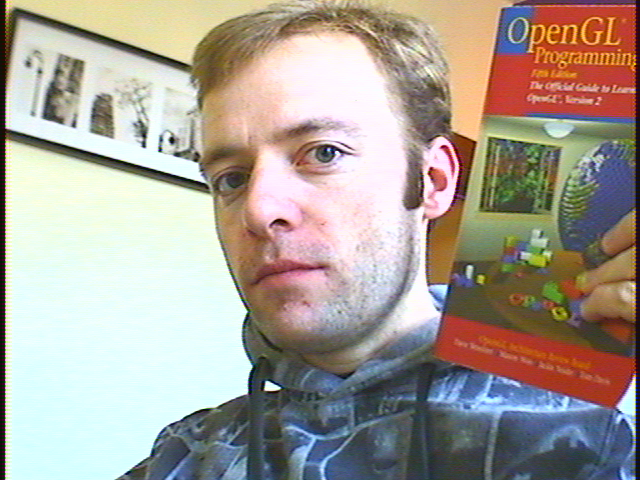
When I save the surface as an other format such as PNG or BMP the colors are OK.
When I use a surface obtained by loading a JPG image, the colors are OK.
The bug only occurs when I save a surface obtained using the
pygame.camera module.
It consistently happened on 3 Linux computers.

I use Pygame compiled from today's SVN with Python 2.5.2 on Ubuntu
GNU/Linux 8.10 using a V4L2 device. (a WinTV card)

A short code snippet to reproduce the bug:
http://rafb.net/p/gccaJG37.html

A JPEG to see how the output looks like :
http://toonloop.com/static/tmp/image_color_test_out.jpg
A correct image in an other format to compare :
http://toonloop.com/static/tmp/image_color_test_out.png

If you want to download the code and the test image I use :
http://toonloop.com/static/tmp/bug_color_jpeg.tar.gz
I also convert the colorbars.jpg files to surface and back to a JPG
file for comparison. It works flawlessly.

--
Alexandre Quessy
http://alexandre.quessy.net/