hi Jon,
go to photobucket and copy your photo url ("Direct")
When you hit post reply, a toolbar comes up.  There's a blue photo icon.
Click on it.  It gives you the option of browsing your computer, fielding
from you google profile photos, searching google, or pasting your url - the
last is what you want
past it in, and if you got it right, it will show you the photo.
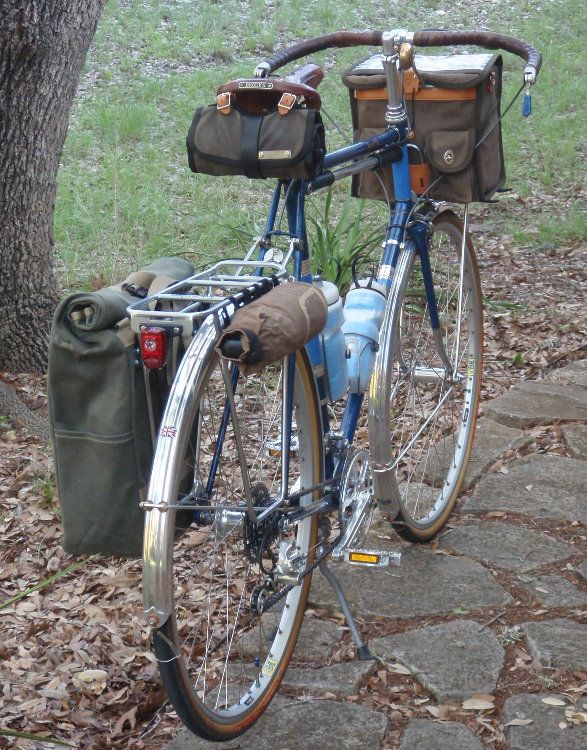
<http://img.photobucket.com/albums/v728/bulldog1935/Raleigh/700c/aP5280024.jpg>

este


On Tuesday, August 12, 2014 6:13:35 PM UTC-5, Serial Griller wrote:
>
> I've been searching the forum on how to post photos. I can't find it.
> I am used to using Photobucket or just cut and pasting from my windows
> photo gallery.
> Is 640x 740 size okay?
> Am I required to use Flickr?
> Newbie questions ..
> Jon
>

--
You received this message because you are subscribed to the Google Groups "RBW
Owners Bunch" group.
To unsubscribe from this group and stop receiving emails from it, send an email
to [email protected].
To post to this group, send email to [email protected].
Visit this group at http://groups.google.com/group/rbw-owners-bunch.
For more options, visit https://groups.google.com/d/optout.