StefanieZhao7 commented on code in PR #308:
URL: https://github.com/apache/iotdb-docs/pull/308#discussion_r1711113743
##########
src/UserGuide/Master/Deployment-and-Maintenance/workbench-deployment.md:
##########
@@ -164,7 +164,7 @@ The visualization console is one of the supporting tools
for IoTDB. It is an off
| Configuration | Before Modification | After
modification |
| ---------------- | ----------------------------------- |
----------------------------------------------- |
- | pipe.callbackUrl | pipe.callbackUrl=`http://127.0.0.1` |
pipe.callbackUrl=`http://<Deployed IP address>` |
+ | pipe.callbackUrl | pipe.callbackUrl=`http://127.0.0.1` |
pipe.callbackUrl=`http://<Deploy Workbench's IP address>` |
Review Comment:
Workbench's IP?
##########
src/UserGuide/Master/Deployment-and-Maintenance/workbench-deployment.md:
##########
@@ -208,12 +208,34 @@ The visualization console is one of the supporting tools
for IoTDB. It is an off
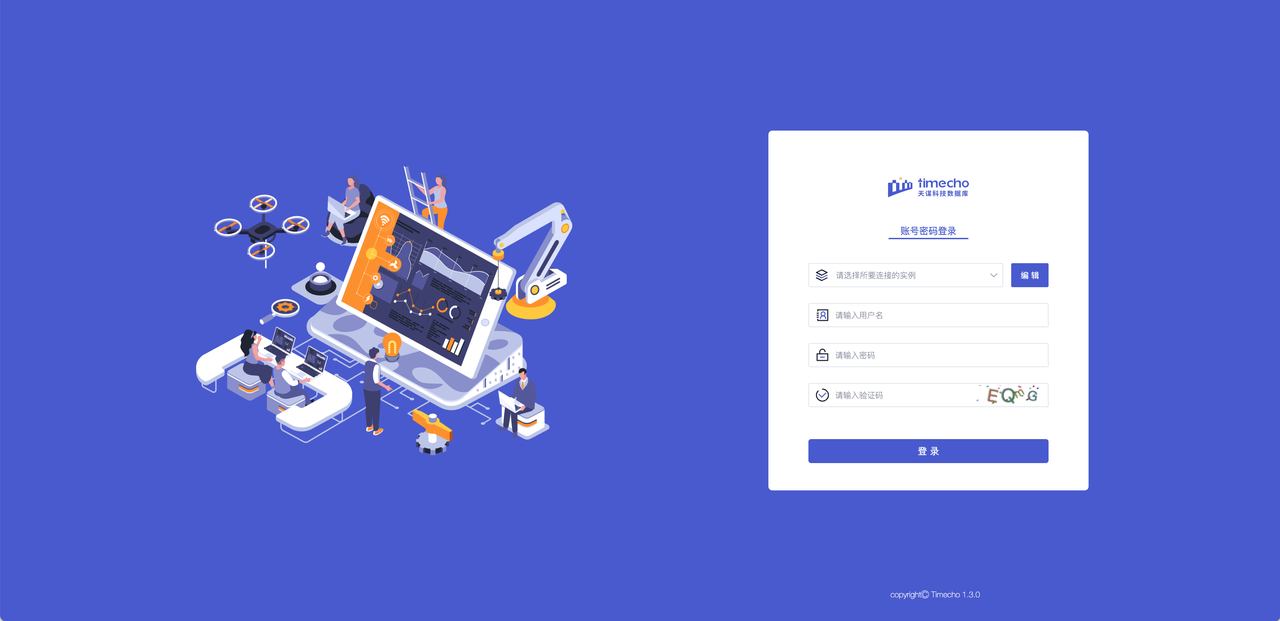
5. Verification successful: Open "http://Server IP: Port in configuration
file" in the browser to access, for example:"http://127.0.0.1:9190"; When the
login interface appears, it is considered successful
- 
+ 
+
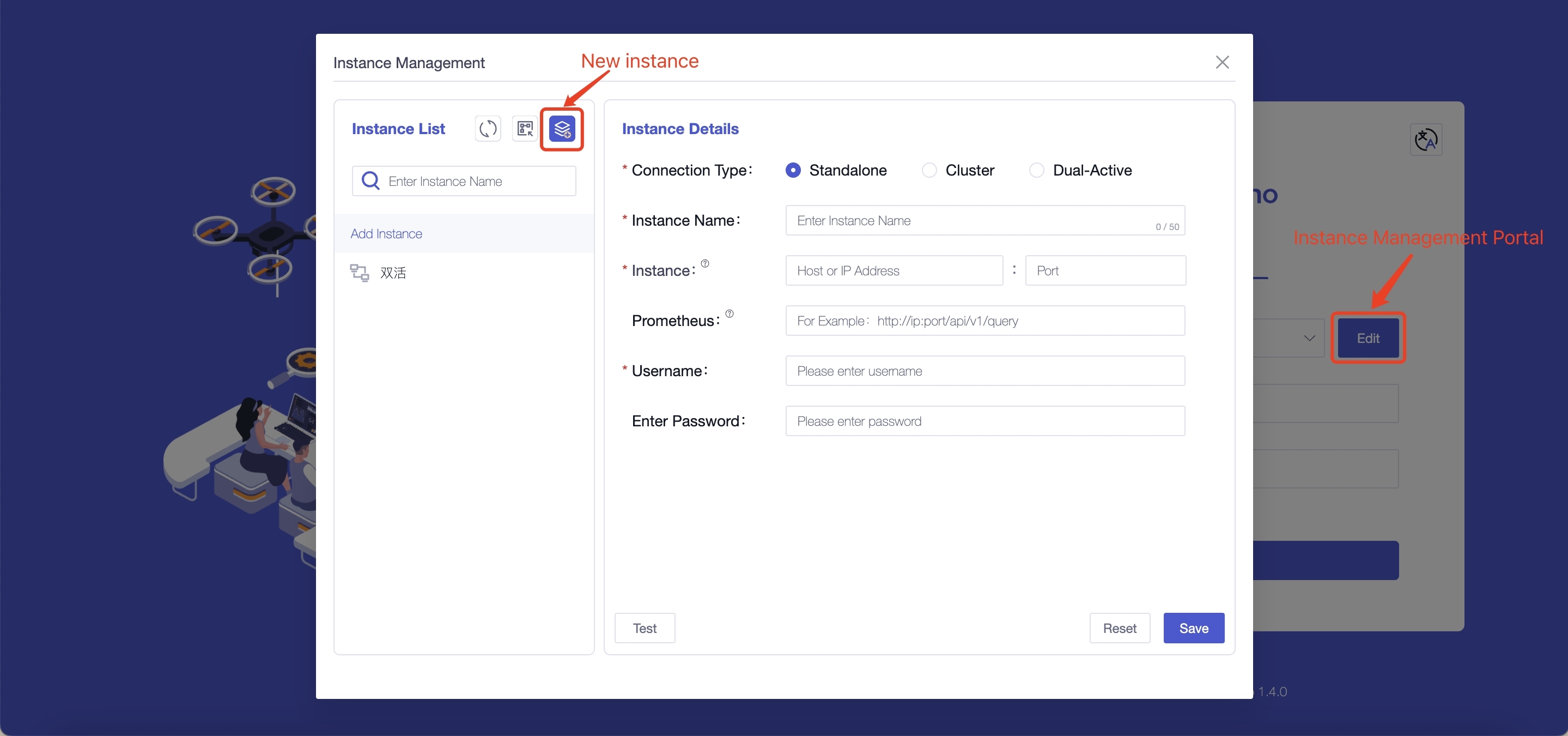
+### Step 4: Configure Instance Information
+
+1. Configure instance information: You only need to fill in the following
information to connect to the instance
+
+ 
+
+
+ | Field Name | Is It A Required Field | Field Meaning
| Default Value |
+ | --------------- | ---------------------- |
------------------------------------------------------------ | ------ |
+ | Connection Type | Yes | The content filled in for
different connection types varies, and supports selecting "single machine,
cluster, dual active" | - |
+ | Instance Name | Yes | You can distinguish different
instances based on their names, with a maximum input of 50 characters | - |
+ | Instance | Yes | Fill in the database address
(`dn_rpc_address` field in the `iotdb/conf/iotdb-system.properties` file) and
port number (`dn_rpc_port` field). Note: For clusters and dual active devices,
clicking the "+" button supports entering multiple instance information | -
|
+ | Prometheus | No | Fill in `http://<Prometheus
IP address>:<Prometheus port number>/app/v1/query` to view some monitoring
information on the homepage. We recommend that you configure and use it | -
|
+ | Username | Yes | Fill in the username for
IoTDB, supporting input of 4 to 32 characters, including uppercase and
lowercase letters, numbers, and special characters (! @ # $% ^&* () _+-=) |
root |
+ | Enter Password | No | Fill in the password for
IoTDB. To ensure the security of the database, we will not save the password.
Please fill in the password yourself every time you connect to the instance or
test | root |
+
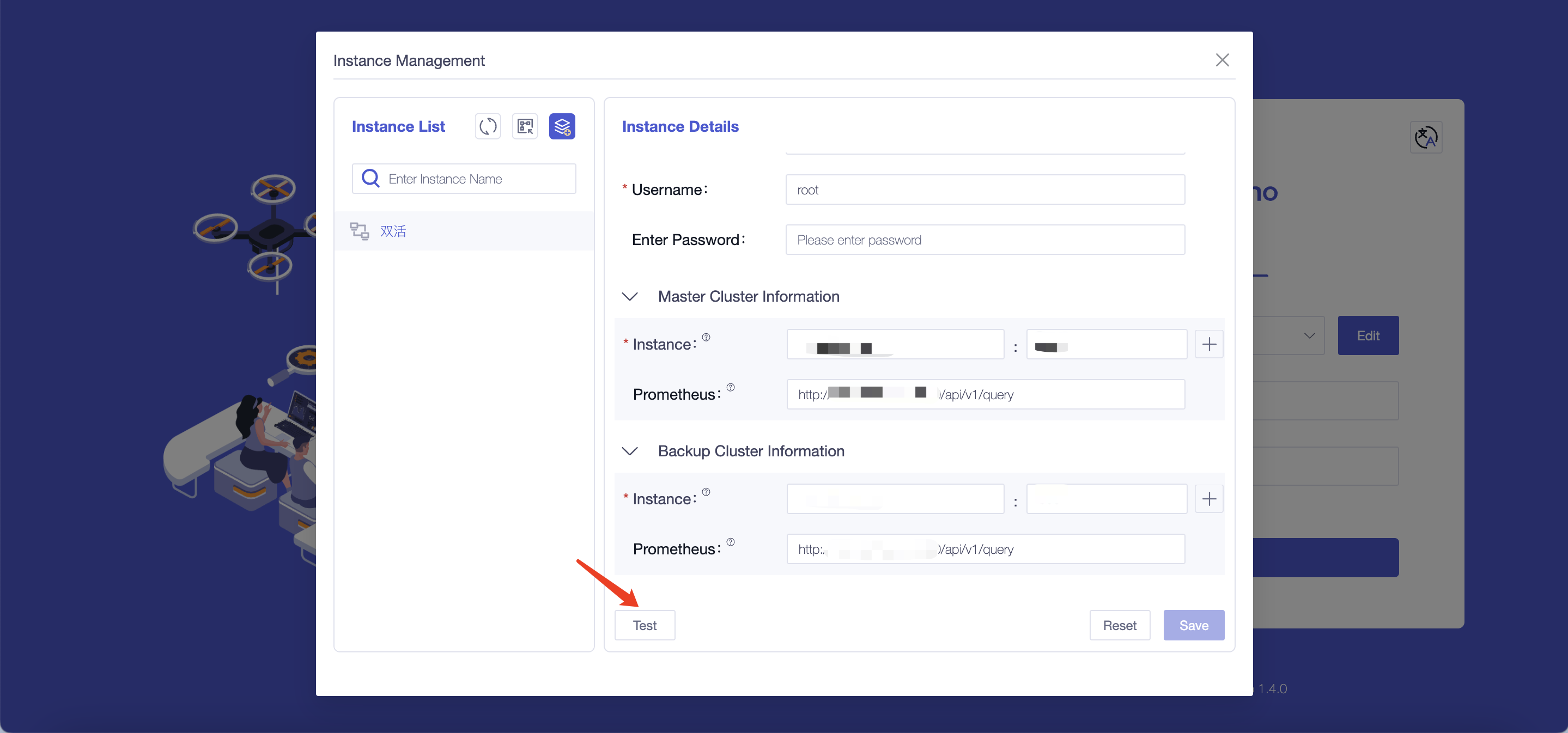
+2. Test the accuracy of the information filled in: You can perform a
connection test on the instance information by clicking the "Test" button
+
+ 
## Appendix: IoTDB and Workbench Version Comparison Table
| Workbench Version Number | Release Note
| Supports IoTDB Versions |
-| ------------------------ |
------------------------------------------------------------ |
------------------------- |
+| :------------------------: |
:------------------------------------------------------------: |
:-------------------------: |
+| V1.3.1 |New analysis methods have been added to the analysis function,
and functions such as optimizing import templates have been optimized
|V1.3.2 and above versions |
+| V1.3.0 | Add database configuration function
|V1.3.3 and above versions |
Review Comment:
1.3.0 version changes to 1.3.2 and above versions
--
This is an automated message from the Apache Git Service.
To respond to the message, please log on to GitHub and use the
URL above to go to the specific comment.
To unsubscribe, e-mail: [email protected]
For queries about this service, please contact Infrastructure at:
[email protected]




