Hey Guys,

I'd like to start some discussion around adding and removing items from
Shotwell's sidebar in a simple and discoverable manner. Currently there are
a few different locations to do this from:
1. Edit > New Search
2. Tags > Add Tag
3. Right click on the sidebar for "New Search" and "New Tag"

I would like to have add and remove icons present directly in the
interface. This could mean one of two designs:

a. Extend the toolbar across the bottom of the entire app like so:
http://fc00.deviantart.net/fs71/f/2012/069/0/1/shotwell_by_danrabbit-d4s5pvd.png
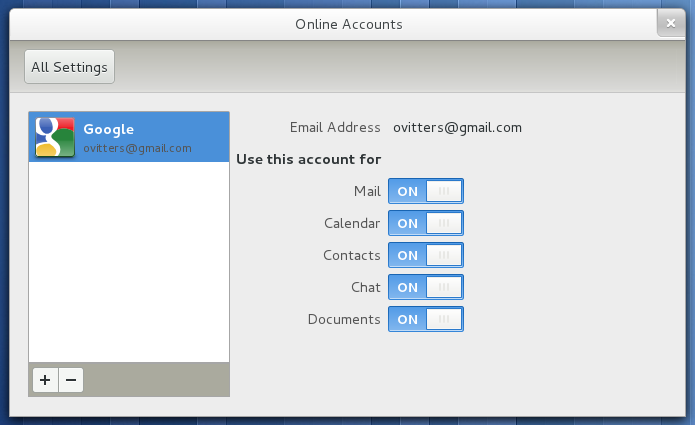
b. Use the inline-toolbar style in the treeview like many GNOME apps:
http://library.gnome.org/misc/release-notes/3.2/figures/gnome-online-accounts.png.en_GB

In either case, this add button would most likely display a menu that
contains the same options as the sidebar's current context menu ("New
Search" and "New Tag")

I'd love to get some feedback on this proposal and see if there is a desire
to make these actions more discoverable :)

--
Best Regards,

Daniel Foré

elementaryos.org
_______________________________________________
Shotwell mailing list
[email protected]
http://lists.yorba.org/cgi-bin/mailman/listinfo/shotwell