Panos,

Thank you...  That fixed it!  The audio continues when the app is sent to the
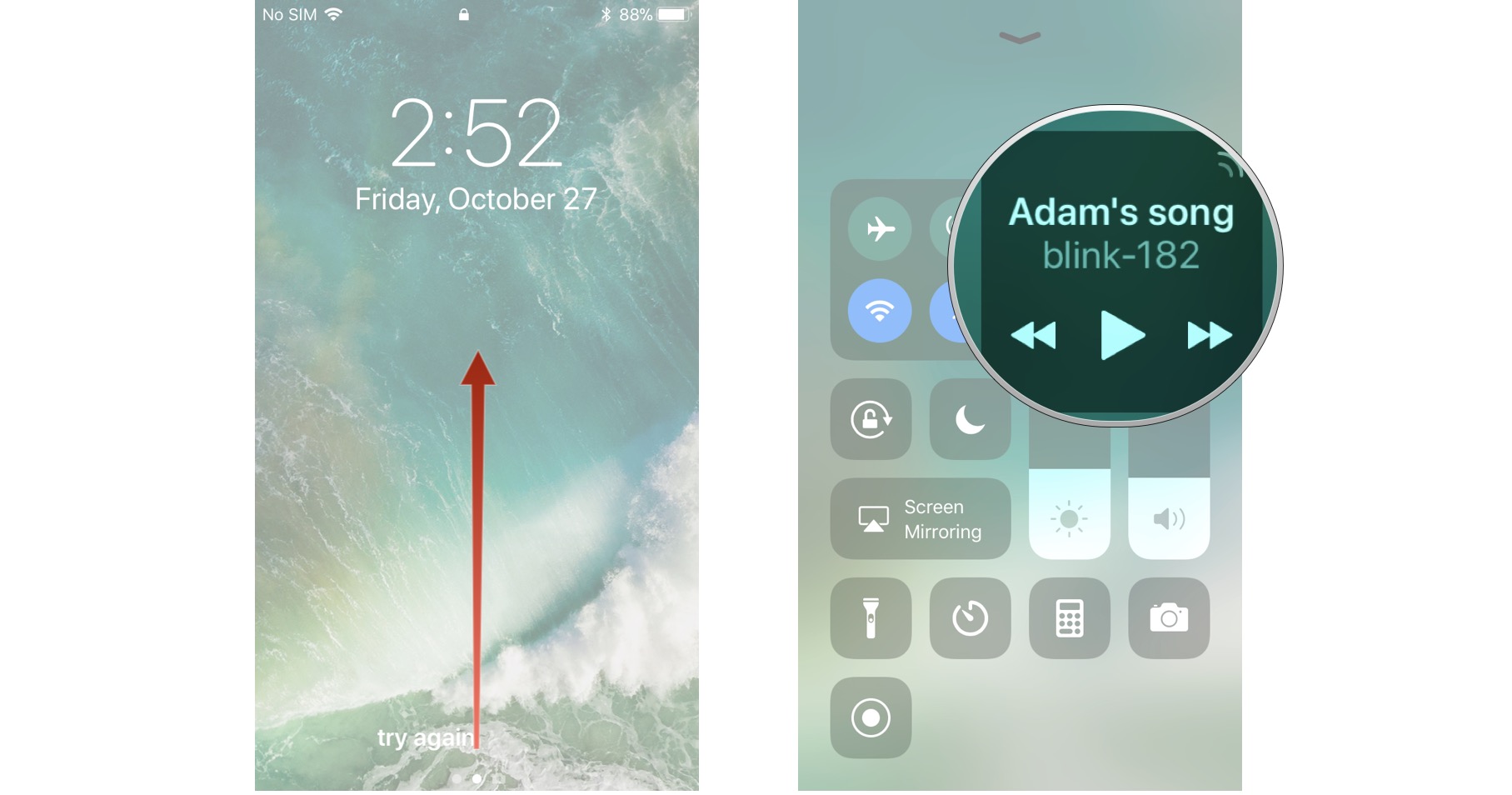
background.   However, the application's audio does not appear in the Control
Center:
https://www.imore.com/sites/imore.com/files/styles/xlarge/public/field/image/2017/10/ios-11-control-center-view-now-playing-screens-01.jpeg

Is this possible?


-Dan


On 6/27/22, 8:49 AM, "use-livecode on behalf of panagiotis m via use-livecode"
<[email protected] on behalf of
[email protected]> wrote:

    Hello Dan,

    On iOS, I think you have to add this line in your openStack handler (or
    elsewhere):

    iphoneSetAudioCategory "playback"

    Kind regards,
    Panos
    --

    On Mon, 27 Jun 2022 at 18:29, Dan Friedman via use-livecode <
    [email protected]> wrote:

    > Happy Monday!   I am using the native player control (on both iOS and
    > Android).  It's working quite well!   The only problem I have is that the
    > background audio doesn't seem to honor this control.  If I play audio in a
    > native browser, it works.   Is there something I need to set or do to get
    > it to work?   I have "Android Background Audio" selected in application
    > settings and "Background Audio" checked in the "Requirements" panel.
    >
    > Thanks in advance!
    > -Dan
    >
    > _______________________________________________
    > use-livecode mailing list
    > [email protected]
    > Please visit this url to subscribe, unsubscribe and manage your
    > subscription preferences:
    > http://lists.runrev.com/mailman/listinfo/use-livecode
    >
    _______________________________________________
    use-livecode mailing list
    [email protected]
    Please visit this url to subscribe, unsubscribe and manage your
subscription preferences:
    http://lists.runrev.com/mailman/listinfo/use-livecode

_______________________________________________
use-livecode mailing list
[email protected]
Please visit this url to subscribe, unsubscribe and manage your subscription
preferences:
http://lists.runrev.com/mailman/listinfo/use-livecode