Oh wow, my brain was completely off (I just rolled out of bed).  I'm just
now seeing Toël's detailed dump of the PDF image info.
Thanks again!

On Fri, Mar 11, 2016 at 8:17 AM, Tilman Hausherr <[email protected]>
wrote:

> Am 11.03.2016 um 17:16 schrieb Vince Harron:
>
>> Hi Toël,
>>
>> Thanks for your reply.  But I guess my question is more about the pdf
>> file.  Is my code extracting the image out of page 2 pixel perfect or is
>> it
>> resampling the page?
>>
>
> The code is fine (for 1.8). Google uses two different sizes. No idea which
> one came first.
>
> Tilman
>
>
>
>>
>>
>> On Fri, Mar 11, 2016 at 1:06 AM, Hartmann Toël <
>> [email protected]>
>> wrote:
>>
>> Hi,
>>>
>>> The dpi information embedded in the image is 300 for EzFQJ9v.png but on
>>> US08000000-20110816-D00001.png it is 72.
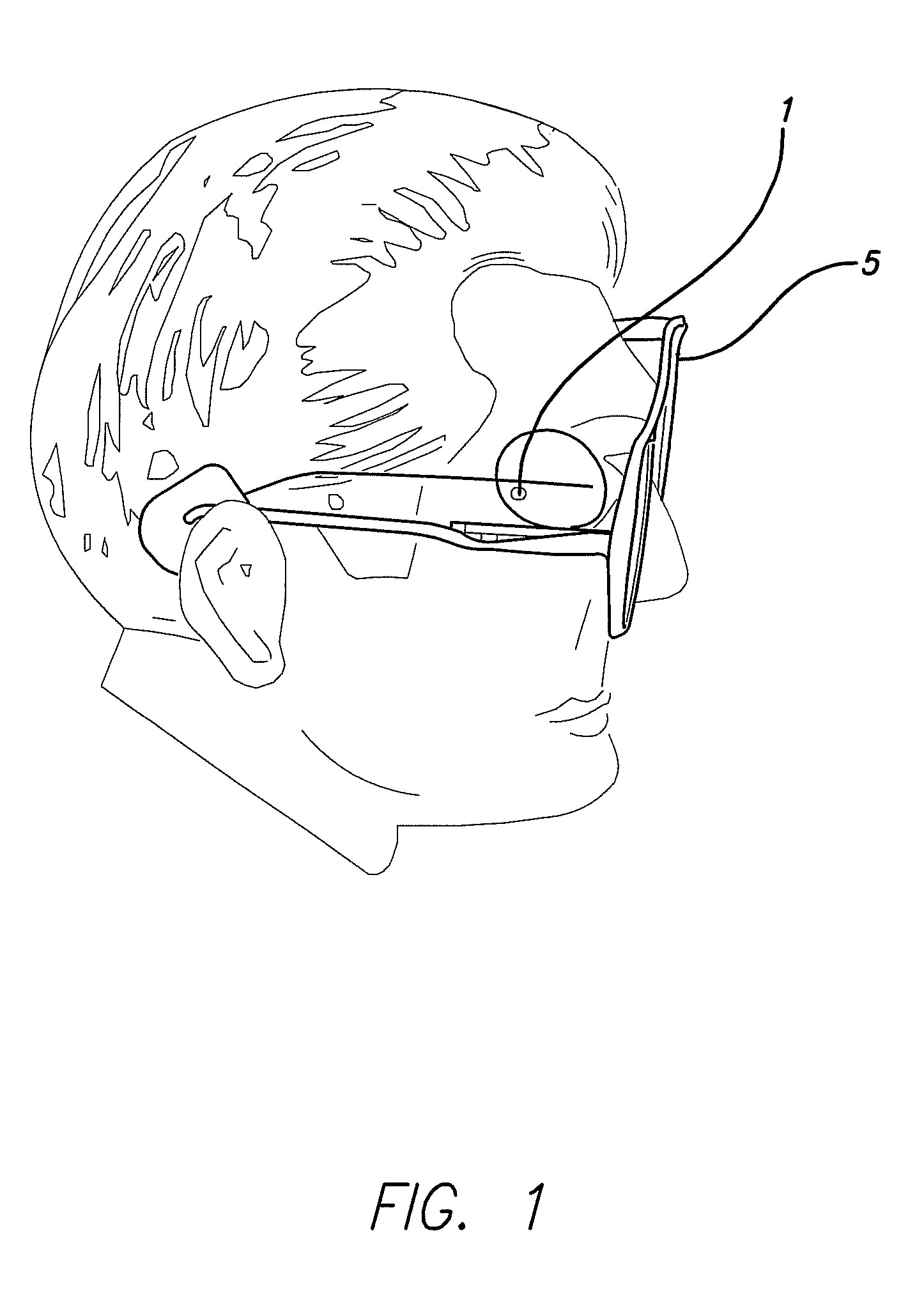
>>> I extracted the image of the head only from both the pngs and get two
>>> different pixel size:
>>>
>>> the head in EzFQJ9v.png is 1722x1593, the head in
>>> US08000000-20110816-D00001.png is 1331x1231.
>>>
>>> I would say that Google has a resized image and changed the dpi info to
>>> 72.
>>>
>>> The image info for the pdf page is:
>>> position in PDF = -1.2, 0.0 in user space units
>>> raw image size  = 2560, 3300 in pixels
>>> displayed size  = 614.4, 792.0 in user space units
>>> displayed size  = 8.533334, 11.0 in inches
>>> displayed size  = 216.74667, 279.4 in millimeters
>>> dpi  = 300 dpi (X), 300 dpi (Y)
>>>
>>>
>>>
>>>
>>> /Toël
>>>
>>> On 11 mar 2016, at 09:14, Vince Harron <[email protected]> wrote:
>>>
>>> Here is the original patent from the US Patent and Trademark Office:
>>>>
>>>> http://pimg-fpiw.uspto.gov/fdd/00/000/080/0.pdf
>>>>
>>>> I'm extracting images as follows:
>>>>
>>>> List<PDPage> list = document.getDocumentCatalog().getAllPages();
>>>>
>>>> String fileName = srcPdfFile.getName().replace(".pdf", "_cover");
>>>> int imageNumber = 0;
>>>> for (PDPage page : list) {
>>>>     PDResources pdResources = page.getResources();
>>>>
>>>>     Map pageImages = pdResources.getImages();
>>>>     if (pageImages != null) {
>>>>
>>>>         Iterator imageIter = pageImages.keySet().iterator();
>>>>         while (imageIter.hasNext()) {
>>>>             String key = (String) imageIter.next();
>>>>             PDXObjectImage pdxObjectImage = (PDXObjectImage)
>>>> pageImages.get(key);
>>>>
>>>> pdxObjectImage.write2file(srcPdfFile.getAbsolutePath().replace(".pdf",
>>>
>>>> String.format("-D%05d.png", imageNumber)));
>>>>             imageNumber++;
>>>>         }
>>>>     }
>>>> }
>>>>
>>>> The image I extract from page 2 looks like this:
>>>> http://i.imgur.com/EzFQJ9v.png
>>>> 2560x3300 (300dpi)
>>>>
>>>> Here is the same image from Google Patents
>>>>
>>>>
>>>>
>>> https://patentimages.storage.googleapis.com/US8000000B2/US08000000-20110816-D00001.png
>>>
>>>> it's only 1446 × 2037 (~224dpi)
>>>>
>>>> The Google image is cropped a bit compared to the PDF page.  When I trim
>>>> the my PDF page image down to match the same area as the Google image,
>>>>
>>> the
>>>
>>>> my extracted image is still much higher resolution than the Google
>>>> extracted image (1934 × 2550)
>>>>
>>>> Assumption 1) Google is using the same data source as me (PDF)
>>>> Assumption 2) Google wouldn't downscale technical diagrams in patents
>>>> because they might lose important detail
>>>>
>>>> If my assumptions are correct, I must be extracting the image
>>>>
>>> incorrectly,
>>>
>>>> upsampling the ~224dpi image to 300dpi.  Is that what's happening?
>>>>
>>>> Thanks,
>>>>
>>>> Vince
>>>>
>>>
>>> ---------------------------------------------------------------------
>>> To unsubscribe, e-mail: [email protected]
>>> For additional commands, e-mail: [email protected]
>>>
>>>
>>>
>
> ---------------------------------------------------------------------
> To unsubscribe, e-mail: [email protected]
> For additional commands, e-mail: [email protected]
>
>