yes, that would be also a very good way... Thanks for the tip Thomas.

[email protected] schrieb am Donnerstag, 1. Oktober 2020 um 09:54:25 UTC+2:
>
>
> On Wednesday, September 30, 2020 at 9:58:33 PM UTC+2, [email protected]
> wrote:
>>
>> Yes, this is nice, since GWT home page is developed (in small part) with
>> GWT... 😀
>>
>> To the Debugging with Chrome:
>>
>>    - Actually you still could read the variable name because it is
>>    readable... and you can add your variable to the watcher and it's all
>>    readable... Just try it.
>>    - To run Jetty (included in GWT) just use Maven cmd "mvn
>>    gwt:generate-module gwt:devmode". You can do this *inside* NetBeans
>>    or *outside* from NetBeans, makes no difference.
>>    - After you change your code NetBeans will compile the Java code, you
>>    don't need to stop the Jetty. Just reload your webapp in Chrome browser
>> and
>>    GWT transpiler will transpile your changed Java code (incremental), very
>>    fast. So, do not restart your Jetty. Chrome will show the changed code
>>    after the reload.
>>
>> To be able to do this you need to separate the projects:
>>
>>    - client
>>    - shared
>>    - server
>>
>> So you are able to just use the integrated Jetty from GWT and you don't
>> need the "server" part. You'll find lot of advantages to separate those
>> modules. It is later easier to upgrade to the newer version of GWT and you
>> don't have  "classpath hell".
>>
>> The easiest thing to test the complete cycle of your webapp is to run two
>> web containers:
>>
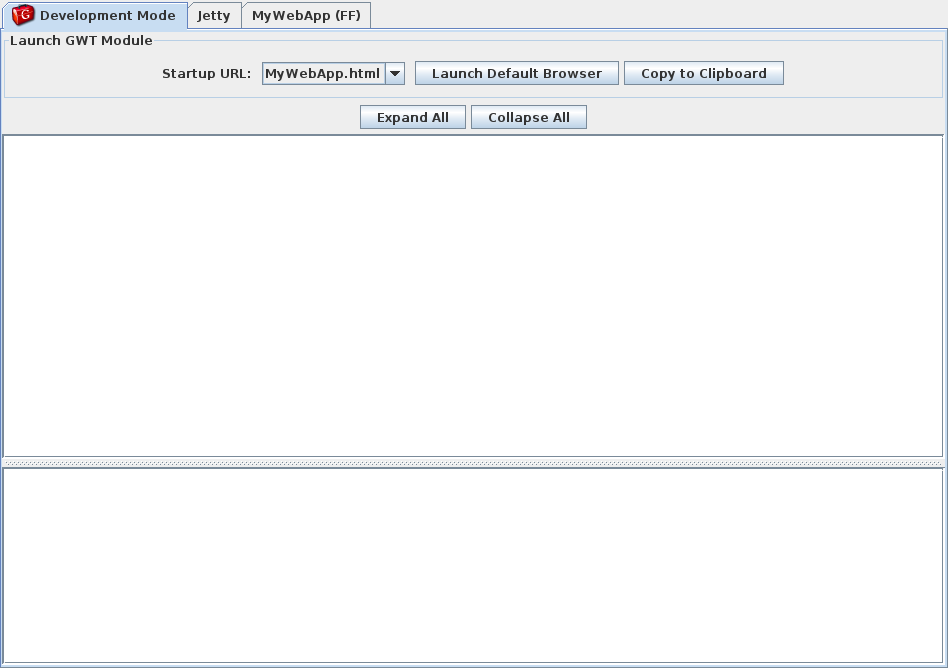
>>    1. Jetty web container for the *client* part. This is integrated in
>>    GWT, see this screenshot:
>>    http://www.gwtproject.org/images/myapplication-devmode.png
>>    2. On the *server* you just use the web container which you need:
>>       - If you are using Spring Boot, just use it.
>>       - If you are using JBoss / WildFly just use it.
>>
>> The *client* (web browser with HTML, JS and CSS) accesses the *server*
>> (Servlet, ...) with *remote* procedure anyway (GWT RPC, REST, ...). So
>> it's ok to run 2 processes in the *development time*. In the *deployment
>> time* later, you could "copy" the result of the client (HTML, CSS, JS)
>> to the root directory of your web container, so that you could just run one
>> process.
>>
>
> IMO it's much better to run DevMode in -noserver mode (or run CodeServer
> directly), that outputs a *.nocache.js stub into the webapp served by
> whatever server you're using (or configure that server to go read resources
> in an additional folder; that's my preferred approach). That way, it works
> (almost) just like in production; your host page can be dynamically
> generated by your server, intercepted for authentication, etc. Nothing but
> the *.cache.* files are served by the DevMode/CodeServer.
>

--
You received this message because you are subscribed to the Google Groups "GWT
Users" group.
To unsubscribe from this group and stop receiving emails from it, send an email
to [email protected].
To view this discussion on the web visit
https://groups.google.com/d/msgid/google-web-toolkit/46c10dfb-1315-451f-ad02-b0dbbcbc4b7cn%40googlegroups.com.