Firefox 56 is not compatible with Firebug. This is what I did to make it
run again:
- uninstall Firefox silent update service by running "C:\Program Files
(x86)\Mozilla Maintenance Service\uninstall.exe" to prevent automatic
Firefox updates
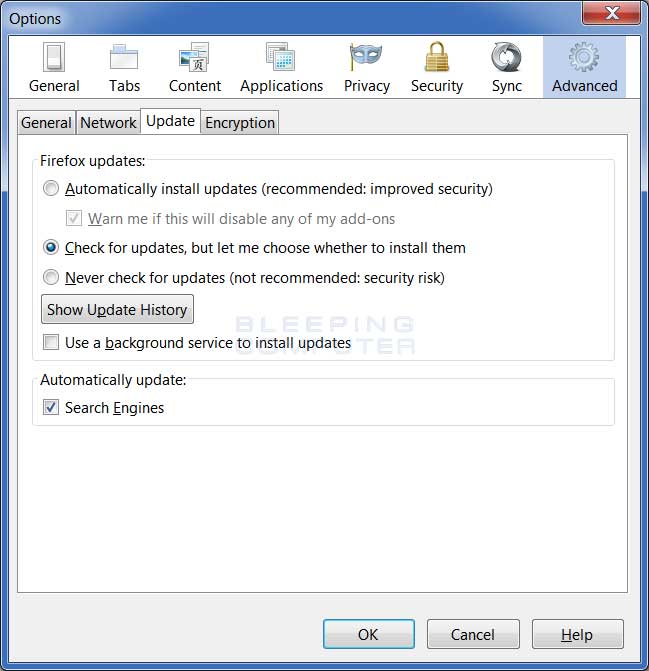
- disable automatic updates from preferences:
https://www.bleepstatic.com/tutorials/browsers/firefox/silent-updates/firefox-update-tab.jpg
- install previous version of Firefox from here:
https://ftp.mozilla.org/pub/firefox/releases/54.0.1/
Now with Firefox 54 I'm a happy user. Firebug is back again

--
You received this message because you are subscribed to the Google Groups
"Firebug" group.
To unsubscribe from this group and stop receiving emails from it, send an email
to [email protected].
To post to this group, send email to [email protected].
Visit this group at https://groups.google.com/group/firebug.
To view this discussion on the web visit
https://groups.google.com/d/msgid/firebug/a11df5a9-08b7-4907-84b7-0e5d3402068d%40googlegroups.com.
For more options, visit https://groups.google.com/d/optout.